Case Study From Scotland’s Rural College: The Wild(Life) Side of Pair Programming
pair-programming, student-engagement
Natural habitats
I’ve been teaching the Wildlife and Conservation Management programme at Scotland’s Rural College for almost 6 years, including modules around climate change, marine habitats, wildlife conflicts, survey methodologies, and map analysis. My groups are typically filled with students of all academic backgrounds and ages, united by a deep desire to protect our natural environments. However, most arrive with little to no IT skills. This is a significant gap, as I consider these abilities vital for any professional in the field, even those who envision themselves as solitary park rangers in the highlands or in the remote islands of Orkney or the Shetlands.
I strongly believe that learning how to code can have a huge impact on how these professionals improve and streamline their work, whether analysing climate data or sharing their findings about endangered species with the world, basic coding skills should be part of their day-to-day toolbox.
As my background has always related to physical sciences and programming, especially around R1 and QGIS2, I felt the need to show my students that world. A world normally hidden to them under the idea that only ‘computer skilled’ people are allowed to explore it. We were about to demolish that myth together.
Always Changing
This IT module has evolved quite a lot from its initial structure. During my first year teaching it, the module had a more basic and general approach; it served its purpose as a “work-for-all” type of module, but I realised that by the end of term the students were craving more skills to make their lives as future ecologists easier.
Over the next couple of years, I added a few workshops on advanced Excel and Word as an extra feature, and this year, for the first time, the students will also have a brief introduction to R and QGIS.
A Leap of Faith
Over the past two years, I’ve been experimenting with new teaching techniques for my second-year students, having them share roles while tackling Excel data analysis or collaborating on map creation in QGIS. Looking back now, I realise I was using pair programming (Desvages, Blankinship, Noè, & Orzechowski, 2026) - CLICK HERE TO READ ONLINE (two students working together on one computer) all along, unaware of its formal framework or established structure. It had emerged from my imagination during those late Sunday night planning sessions, born out of necessity and intuition. That initial gut feeling pushed me to learn more about pair programming, and I was ready to apply it. I wanted to show my students that programming isn’t just for coders; it’s for them too, demonstrating that when we work together, share our thinking, and build on each other’s strengths, even the most intimidating technical challenges become accessible.
The Challenge Begins
My first-year students had already a gentle introduction to Excel, mostly through a few easy-to-follow examples that they then replicated in their own computers. A good start? Yes. Enough for their current needs? Not quite. That was when pair programming emerged as a good idea to try - for the first time in this module.
A week has passed and I welcome my students once again, a group of around 25, and present the challenge. I’m transparent about the difficulty level; a significant portion of them have never used Excel or even approached a laptop this way before. I distribute specific instructions and explain what pair programming brings to the table.
We’ll work in pairs. One student will be the driver, controlling the main PC and executing tasks, while the co-pilot (or navigator) helps problem-solve and strategize. The catch? Roles swap every 15 minutes, guided by a giant clock projected on the wall.
Get Real Messy Data and Figure It Out. Together.
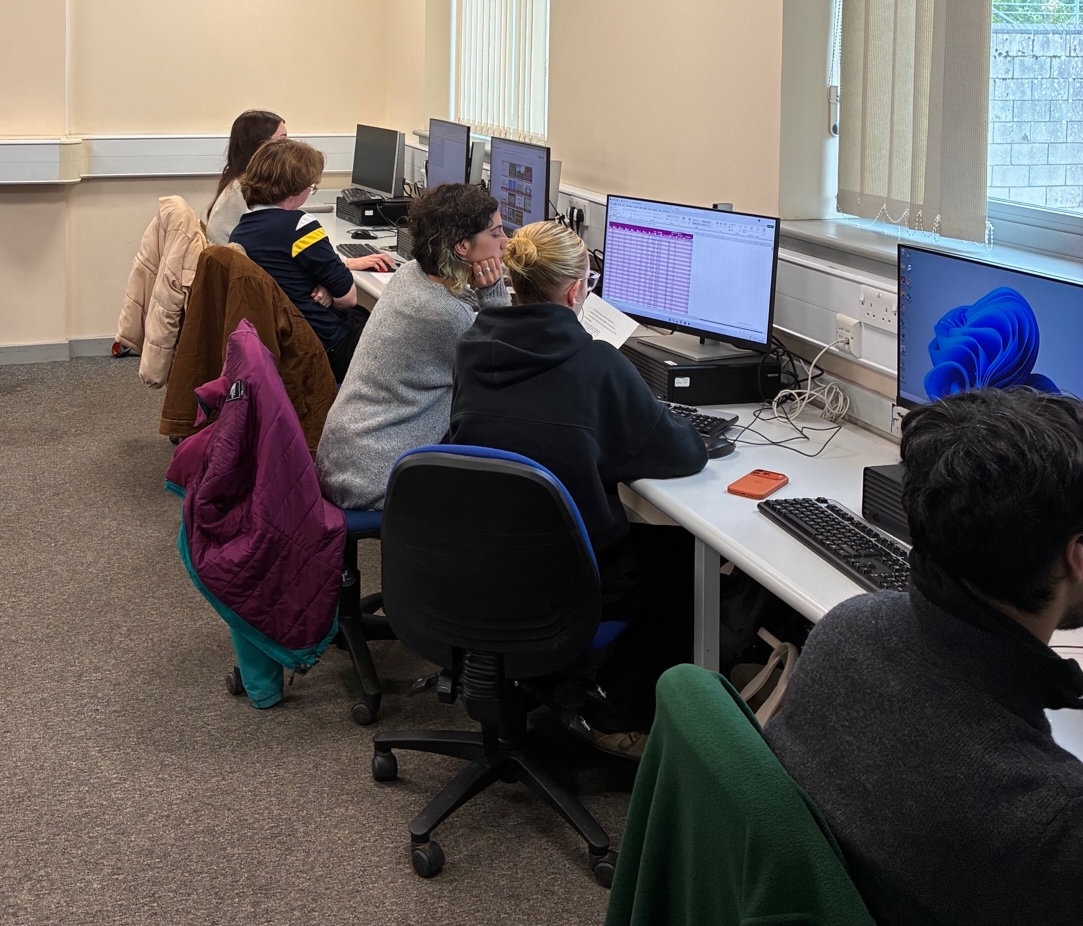
This time, they had to download a real dataset from the MetOffice: climate data from Scotland in a strange-looking format (.txt). It involved conversion, structuring, and cleaning all at once. I could see them struggling with this. Some groups were trying different options, while others were looking for answers on websites or asking me questions. I could see how different strategies arose, but most importantly, each pair was using their different skill sets to solve this first part. Some of them almost gave up, while others were thriving and moving into the analysis stage.
Fifteen minutes passed and the roles changed. There were some chuckles to hide the despair, but overall, I saw optimism and the spirit of cooperation. Most of them went through the first section and started their analysis: sorting and filtering columns, organising data, using formulas. I tried to explain that, although basic, the use of those formulas, especially the newly introduced “IF” and “AND/OR”, are fundamental for any programmer, and that these short formulas are actually lines of code. I could see some sparks in their eyes.
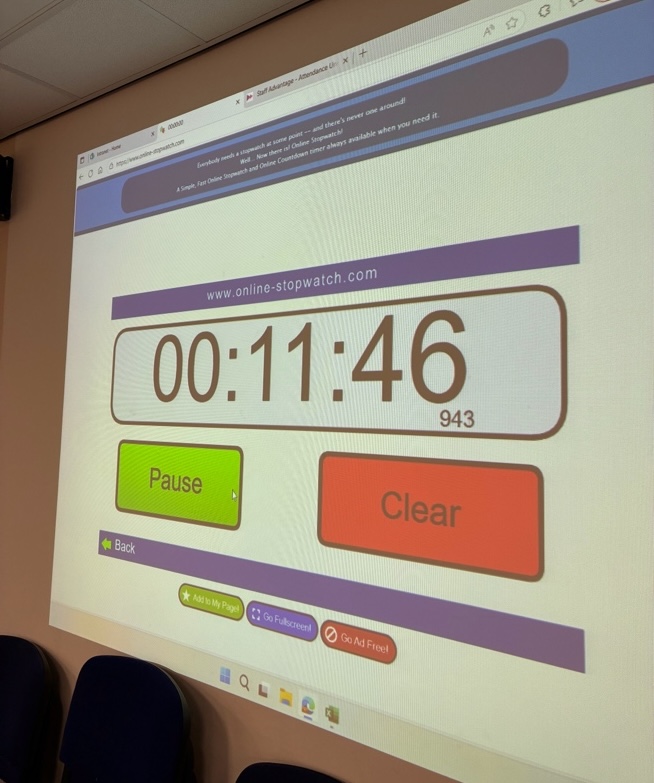
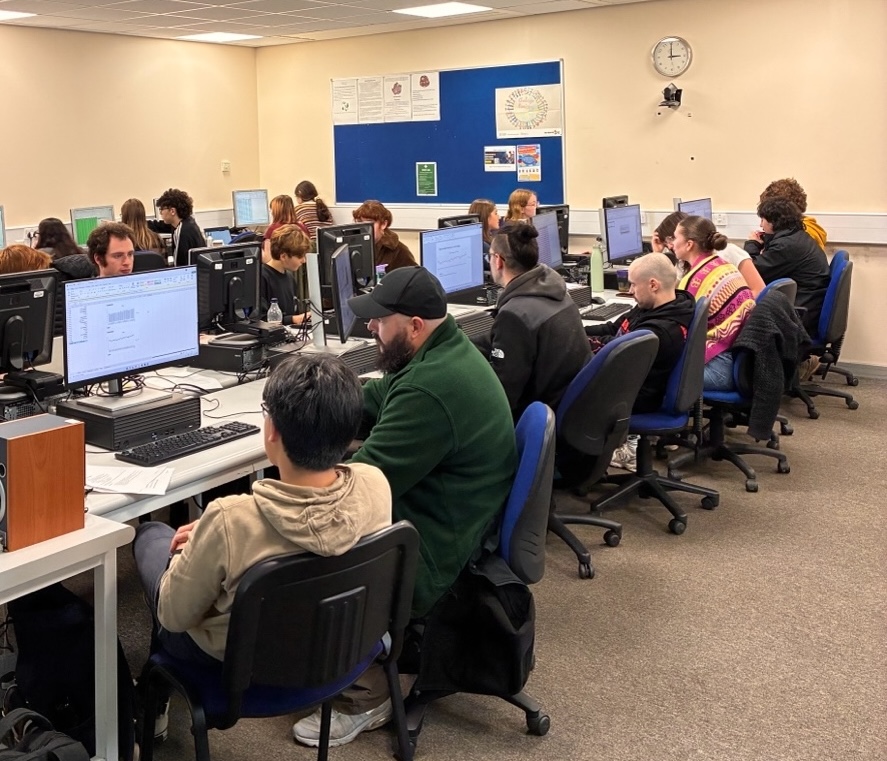
A few more 15-minute rounds cycle by. Most groups progress steadily, completing their analysis and beginning their presentations, creating charts, exploring pivot tables, extracting meaningful insights. Others, however, are visibly exhausted. The dynamic of this challenge is demanding, putting real pressure on them. Some are still wrestling with formulas, while others are identifying inconsistencies in the original dataset. I do my best to guide and support these struggling groups, offering hints without removing the challenge entirely.
Feelings! All the feelings!
Time’s up! That was it for today’s challenge. I could notice some tiredness mixed with happiness. Some students were proud of completing all the instructions, while others were still a bit confused. I was clear that this had been a real challenge, and these are never easy. Still, I told them how impressed I was. To be honest, I wasn’t expecting this level of courage and commitment with a new activity like this one, which requires cooperation, trust, and agility like no other.
Just as the last group prepares to leave, one student turns back. “Ignacio, could you beat this challenge yourself? Why don’t you time it and show us next week?” I wasn’t expecting that, but I couldn’t resist. “Challenge accepted,” I said, laughing. “I’ll record my attempt and see if I can beat my personal record for the next Excel championship.”
Walking back to my desk, I realised how much this small experiment has transformed the atmosphere of the class. Pair programming converted what could have been a routine IT lesson into a shared experience, a moment of collective struggle and triumph. More importantly, perhaps, they’ve learned that the programming world isn’t locked behind some exclusive door. And just as their favourite glen, rivers, mountains, and woodlands; It’s theirs to explore.